Open it your way
File dialog, drag and drop, file associations and a multi-tab workspace.
Double-click a Markdown file and start reading. Moji displays your document with clear typography, tables and diagrams. Editing and export are ready when you need them.
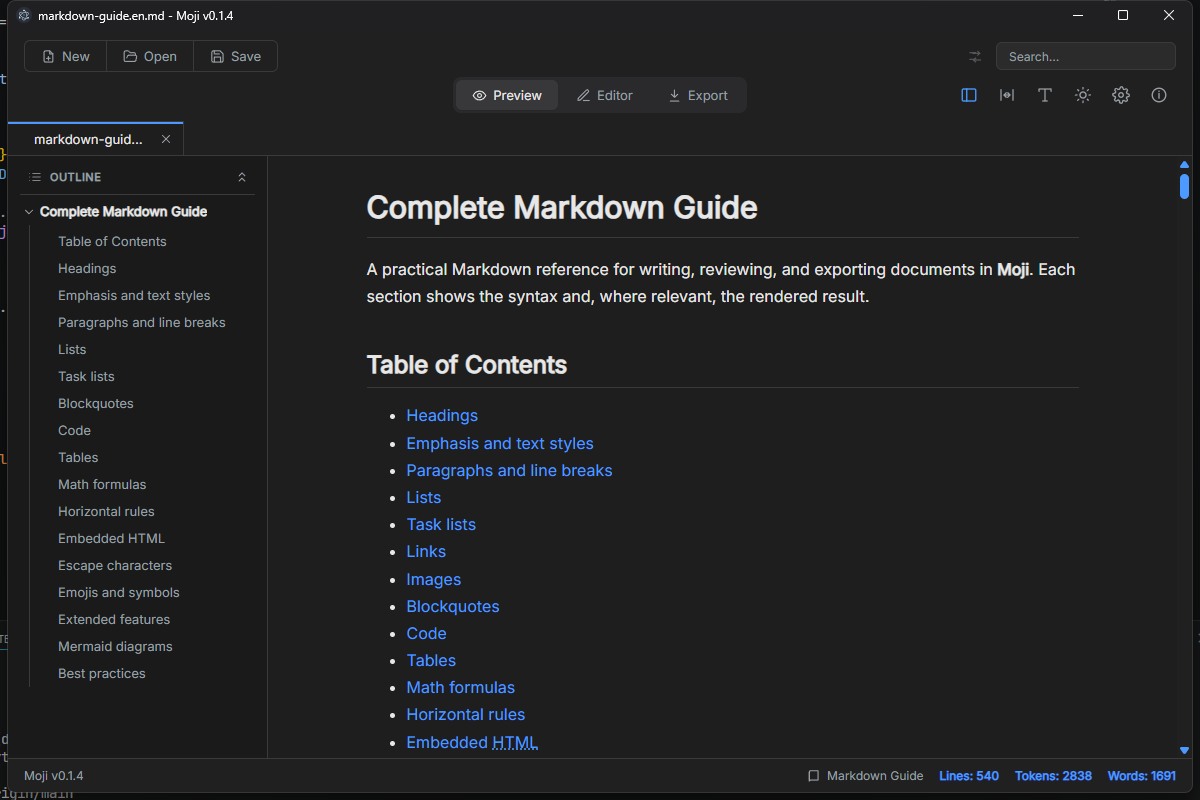
I built Moji because I wanted a Markdown file to open the way a PDF does: with a double-click, instantly readable, with clean typography and no setup.
Usability came first from day one. Moji is lightweight, comfortable for long-form reading, and simple enough to disappear while you read. Editing and export were added without losing that focus.
Less interface. More document.
Open a file, read comfortably and navigate your document. Editing and export are there when you need them.
File dialog, drag and drop, file associations and a multi-tab workspace.
Tables, tasks, footnotes, LaTeX, code highlighting, emoji and outline navigation.
CodeMirror 6, Markdown shortcuts, line numbers, history, search and replace.
Render flowcharts, sequences, Gantt, ER and more with zoom, pan and individual export.
PDF, HTML and PNG preserve typography, diagrams and very long documents.
Interface available in Portuguese, English, Spanish, Japanese, Chinese and Russian.
Subtle chrome, comfortable reading and compact controls keep you in the flow.
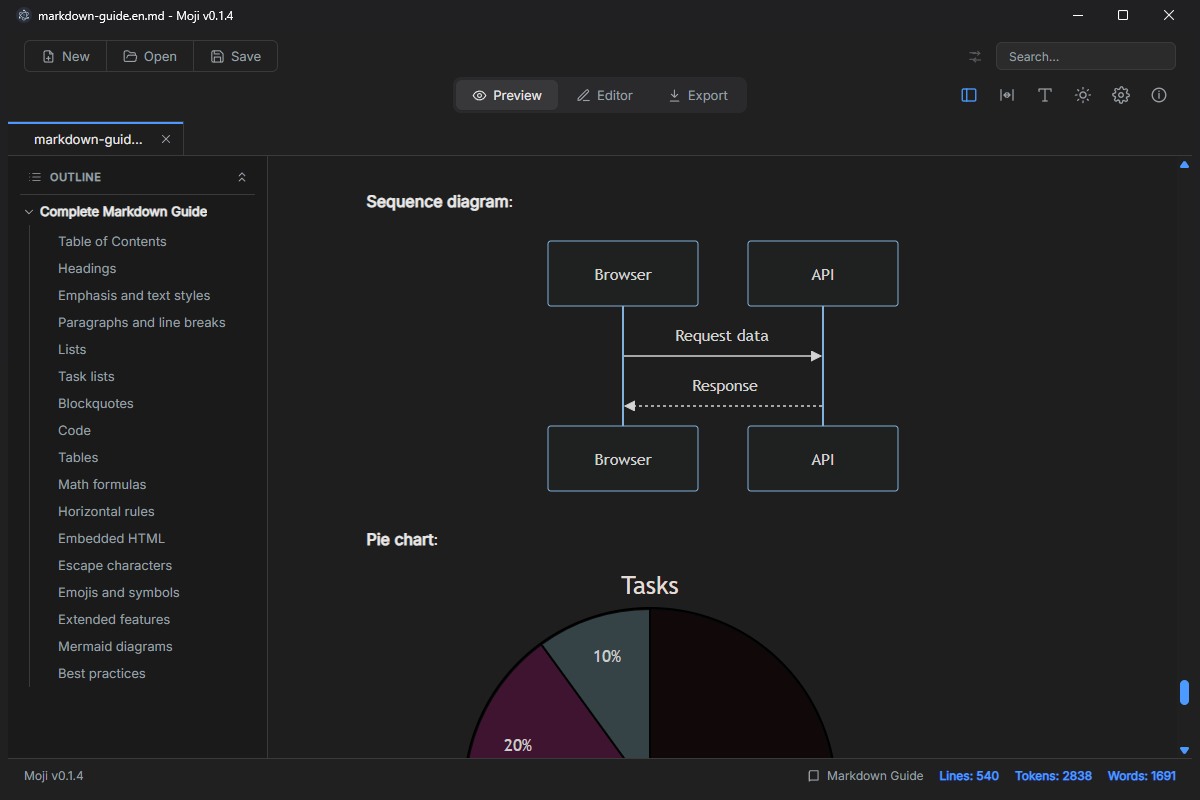
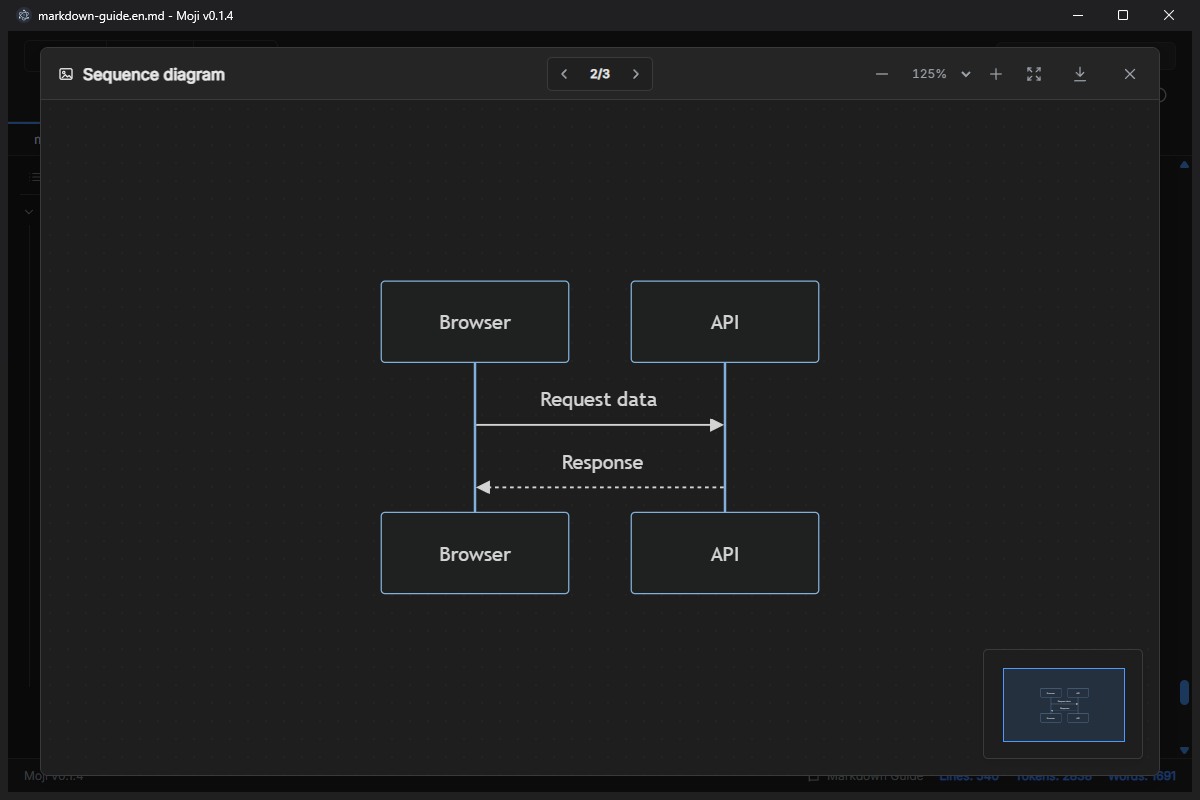
Valid Mermaid blocks become responsive diagrams. Click to zoom, pan, use the minimap and export each image as PNG.
Official installers for Windows, macOS and Linux, published directly through GitHub Releases.
NSIS installer for Windows x64 with automatic updates.
Download .exeUniversal DMG for Apple Silicon and Intel. Manual updates.
Download .dmgAppImage with automatic updates or a DEB package for manual installation.
Moji is free and distributed under the MIT license. View all releases
Explore the code, follow development, report issues or help shape Moji's next chapter.